Markdraw is the desktop app for reading and writing technical documents locally. It keeps authoring and preview side by side, treats the filesystem as the source of truth, and never phones home.
The Chrome extension that used to ship under the same name now lives as AsciiMark.
What it does
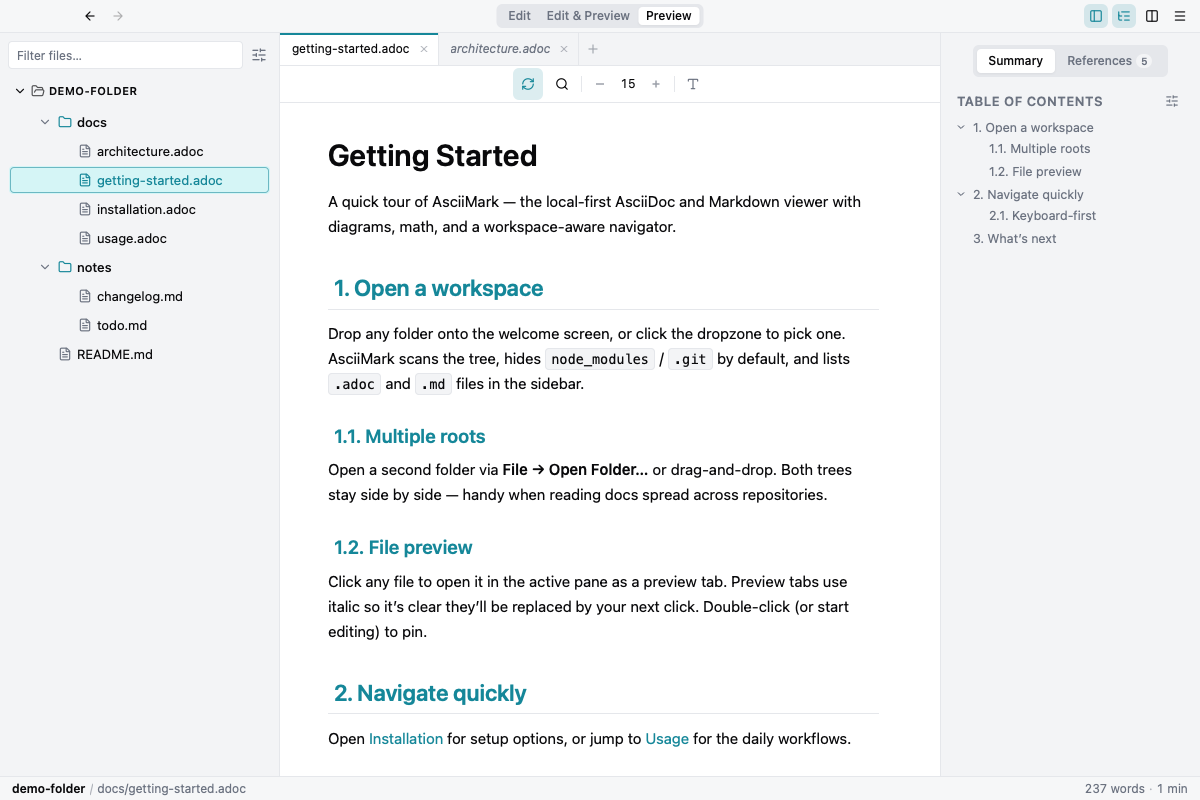
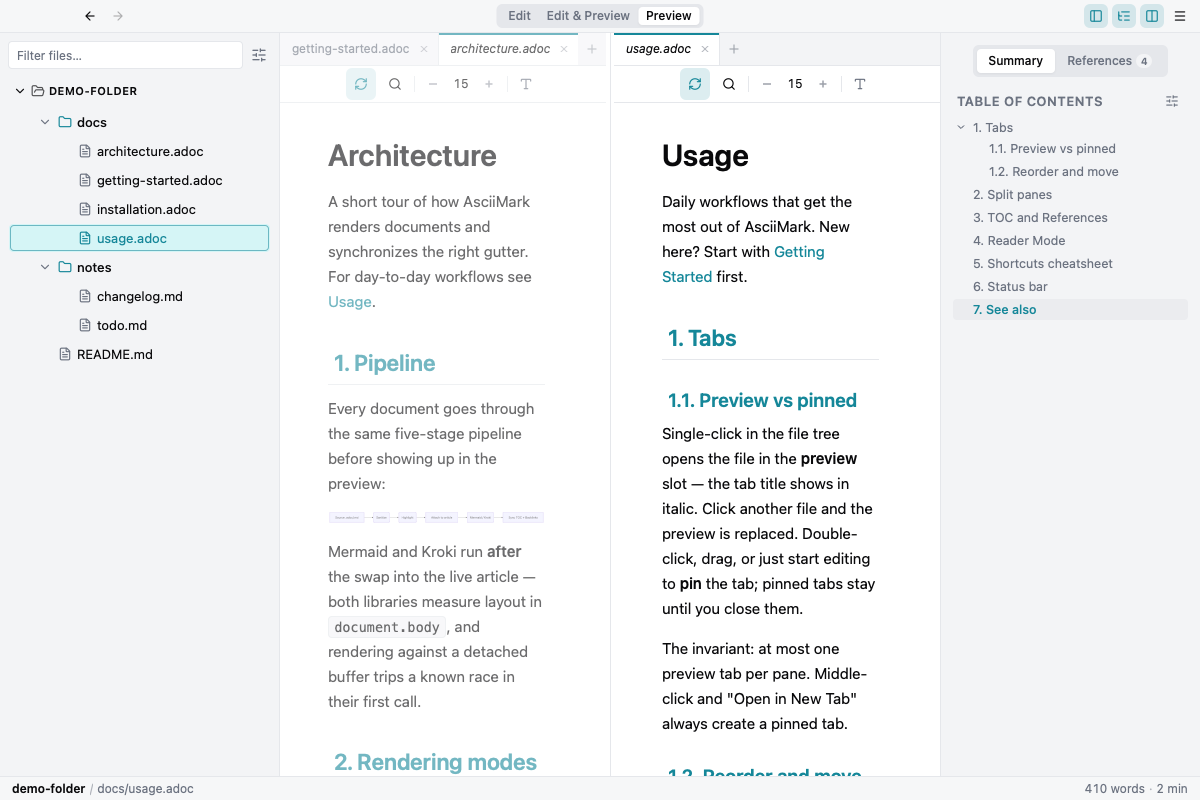
Open a folder and Markdraw indexes .adoc and .md files into a workspace:
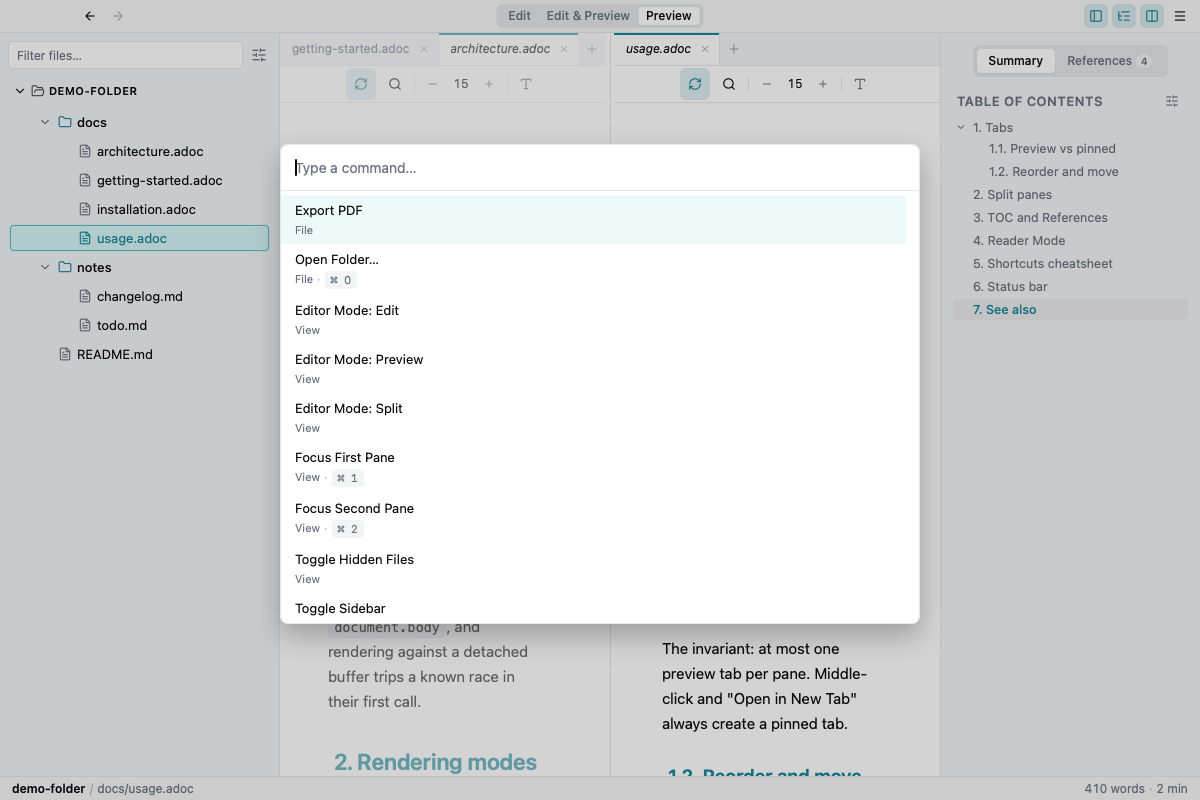
split panes, VS Code–style preview tabs, Quick Open, Command Palette, backlinks
and workspace-wide heading search. Mermaid, Kroki and KaTeX render in the
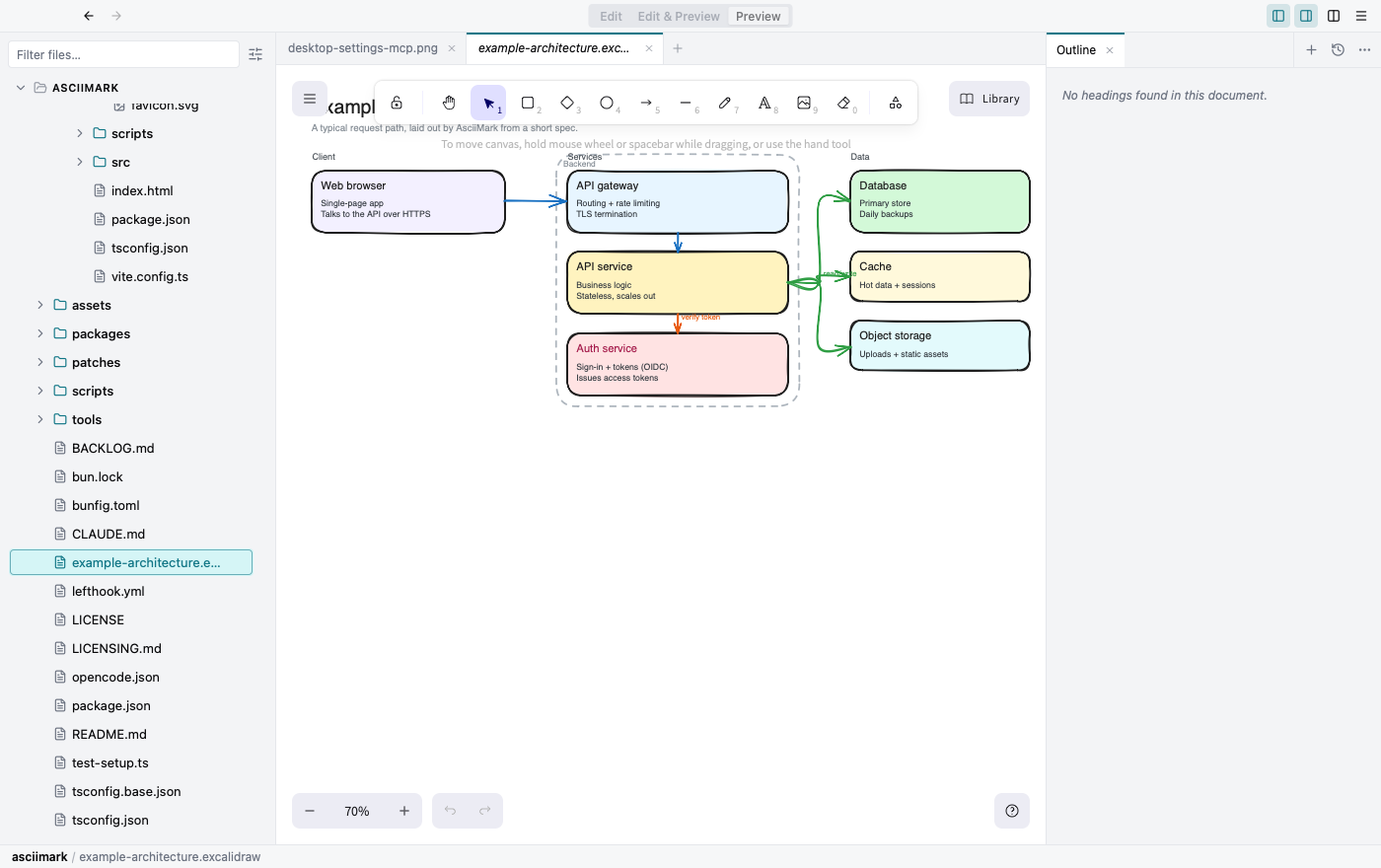
preview. Excalidraw canvases open in place. An optional AI panel talks to your
own providers and MCP servers.
Files stay on the machine. Signed builds for macOS, Linux and Windows land through the auto-updater.
Availability
Source-available, not open source: the code is public for audit, the binaries are free to use, and the license does not allow reuse or redistribution.
- Desktop: GitHub Releases
- Website: markdraw.app
- Source: github.com/djalmajr/markdraw