Dukto moves files and folders between devices on the same local network. Nearby machines show up on their own. The transfer goes straight from one peer to the other: no account, no cloud file store.
The desktop and mobile apps and the command-line interface share one transfer protocol.
How a transfer works
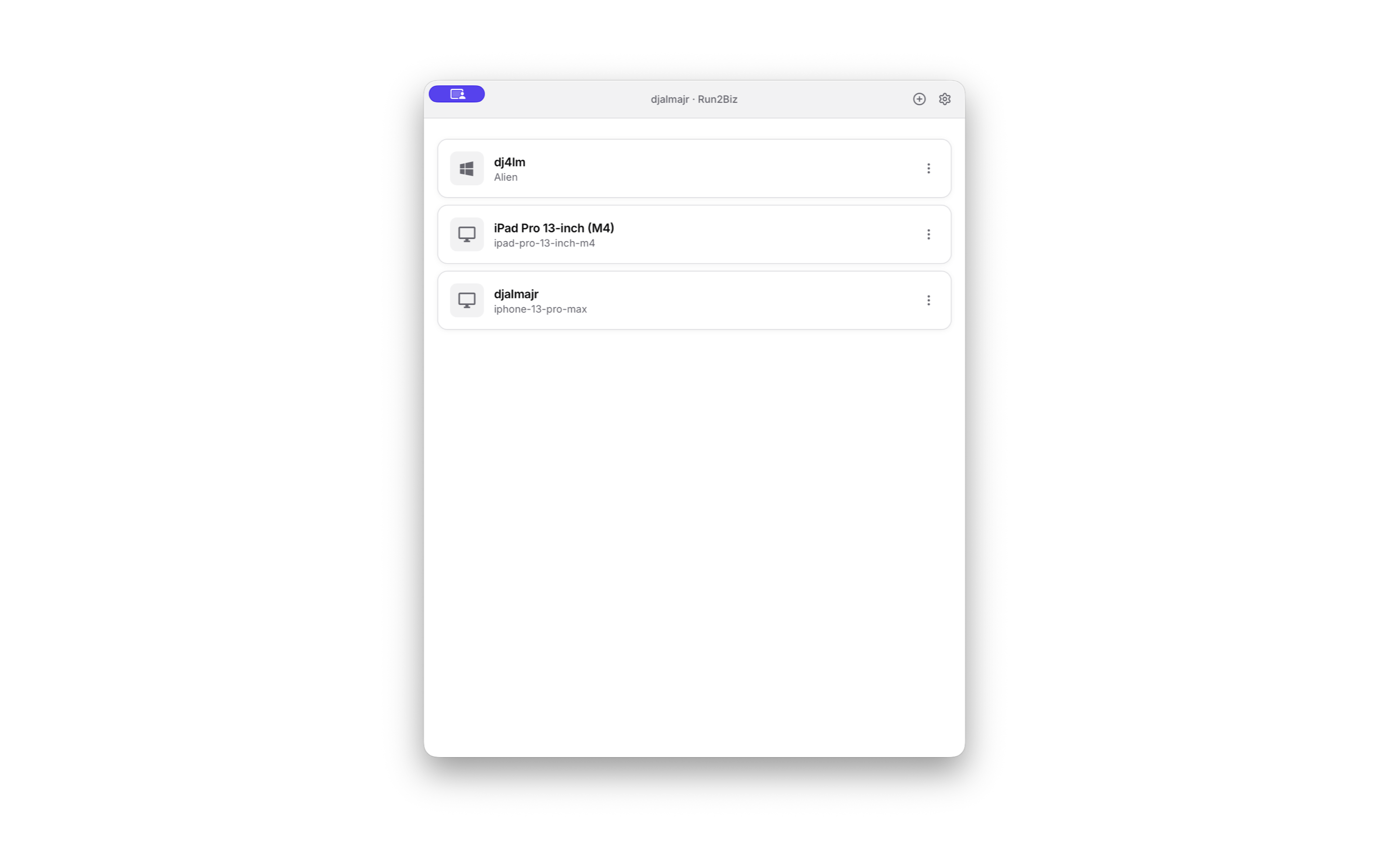
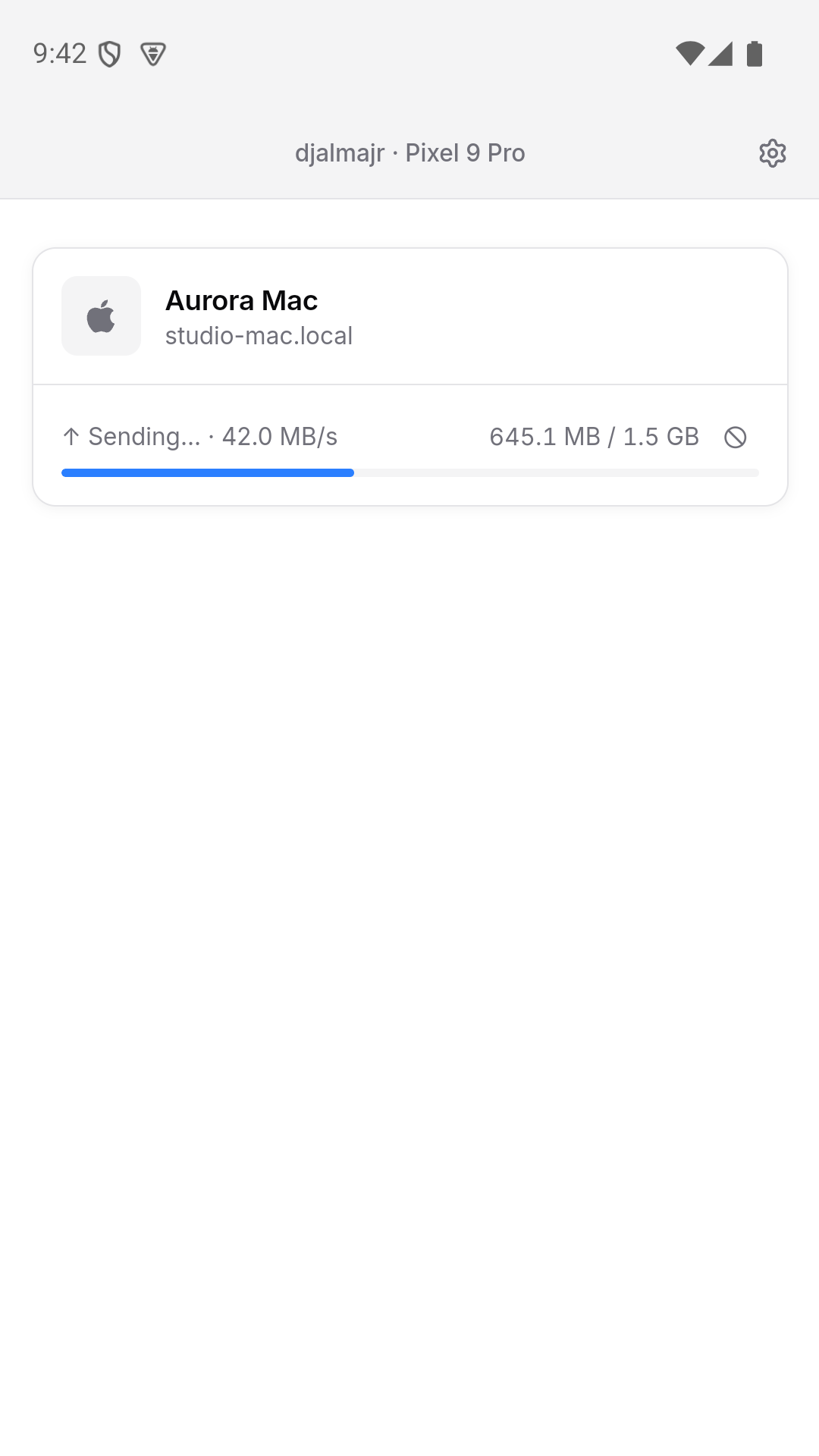
On startup the app advertises itself with mDNS and listens for peers. Pick a host, choose files or folders, and the receiver reviews the sender and the items before accepting. Accepted data travels over an encrypted QUIC session, with Noise protecting the application data on top of QUIC’s TLS. Progress, rate, and cancellation stay on that transfer.
The receiver has to approve each incoming request. Display names are self-reported, so the approval step is the check that the sender is the device you expect.
What ships today
- Local discovery through mDNS.
- Files, folders, and mixed selections, including concurrent transfers.
- A CLI for the same protocol, including scripted accepts.
- Apps for macOS, Windows, Linux, iOS, and Android. The UI is SolidJS; networking, discovery, and the filesystem live in Rust behind Tauri.
An account-free internet invitation flow exists in the source tree. The operated relay and rendezvous service is not part of current releases.
Where to get it
- Site: dukto.app
- Source: github.com/djalmajr/dukto