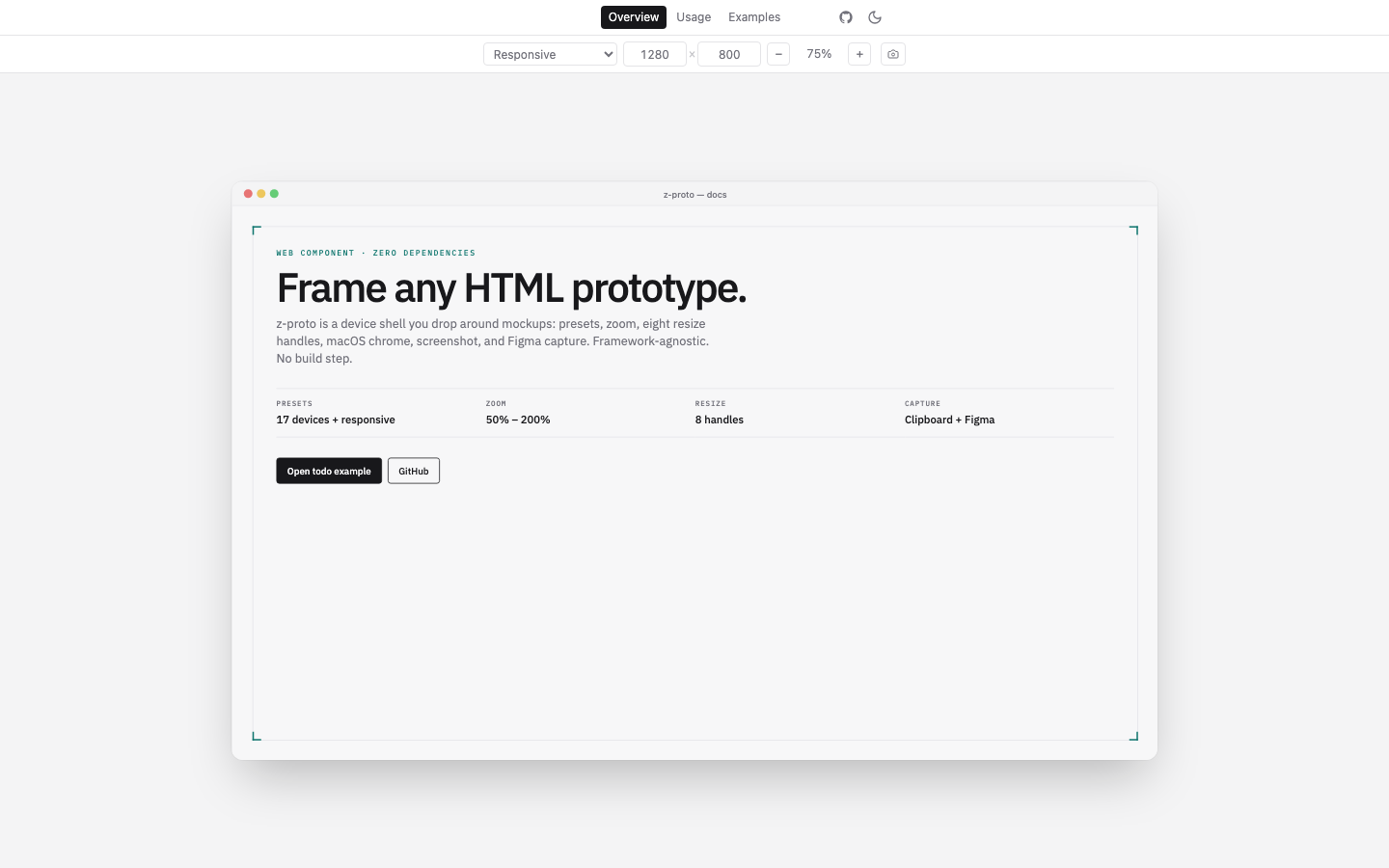
Stop screenshotting your dev server. Z-Proto is a prototyping shell you wrap around any markup to instantly get a believable device frame — complete with macOS-style window chrome, traffic lights and a title bar. It is a single web component with zero dependencies and no framework, so it drops into plain HTML, React, Vue or anything else that renders to the DOM.
Wrap it and you’re done
Load one module from a CDN, nest your prototype inside <z-proto-body>, and the
shell handles the rest. No build step, no config file.
<script
  type="module"
  src="https://cdn.jsdelivr.net/gh/djalmajr/z-proto@main/src/z-proto.js"
></script>

<z-proto>
  <z-proto-body title="My App" width="1280" height="800">
    <!-- your prototype -->
  </z-proto-body>
</z-proto>
A device lab in one element
Everything you need to pressure-test a layout lives in the toolbar:
- 17 device presets across mobile, tablet and desktop, plus a responsive mode for free-form sizing.
- Manual width/height inputs with
min-width/min-heightconstraints so a frame never collapses below its usable size. - Zoom from 50% to 200% in 5% steps, with − / + controls, to fit a large frame on screen or inspect detail.
- 8 drag-to-resize handles on every edge and corner for live resizing.
Capture without leaving the page
- Screenshot to clipboard — grab the content area straight into your clipboard via the Screen Capture API, ready to paste anywhere.
- Figma capture — flip on the HTML-to-Design flow with
?FIGMA_KEY=<key>in the URL or afigma-keyattribute, and send the rendered prototype into Figma as editable layers.
Built for the platform
Theming is pure CSS custom properties, so light and dark modes are a variable
swap away. Styles are loaded with import ... with { type: "css" } and applied
through adoptedStyleSheets, keeping the shadow DOM clean and fast — no
inlined <style> tags, no flash of unstyled content.
The API stays declarative: <z-proto figma-key zoom> configures the shell;
<z-proto-body title width height min-width min-height> defines a frame; and two
slots let you extend it — <z-proto-header> for content below the toolbar and
<z-proto-extras> for controls on the right of the title bar.
Examples in the box
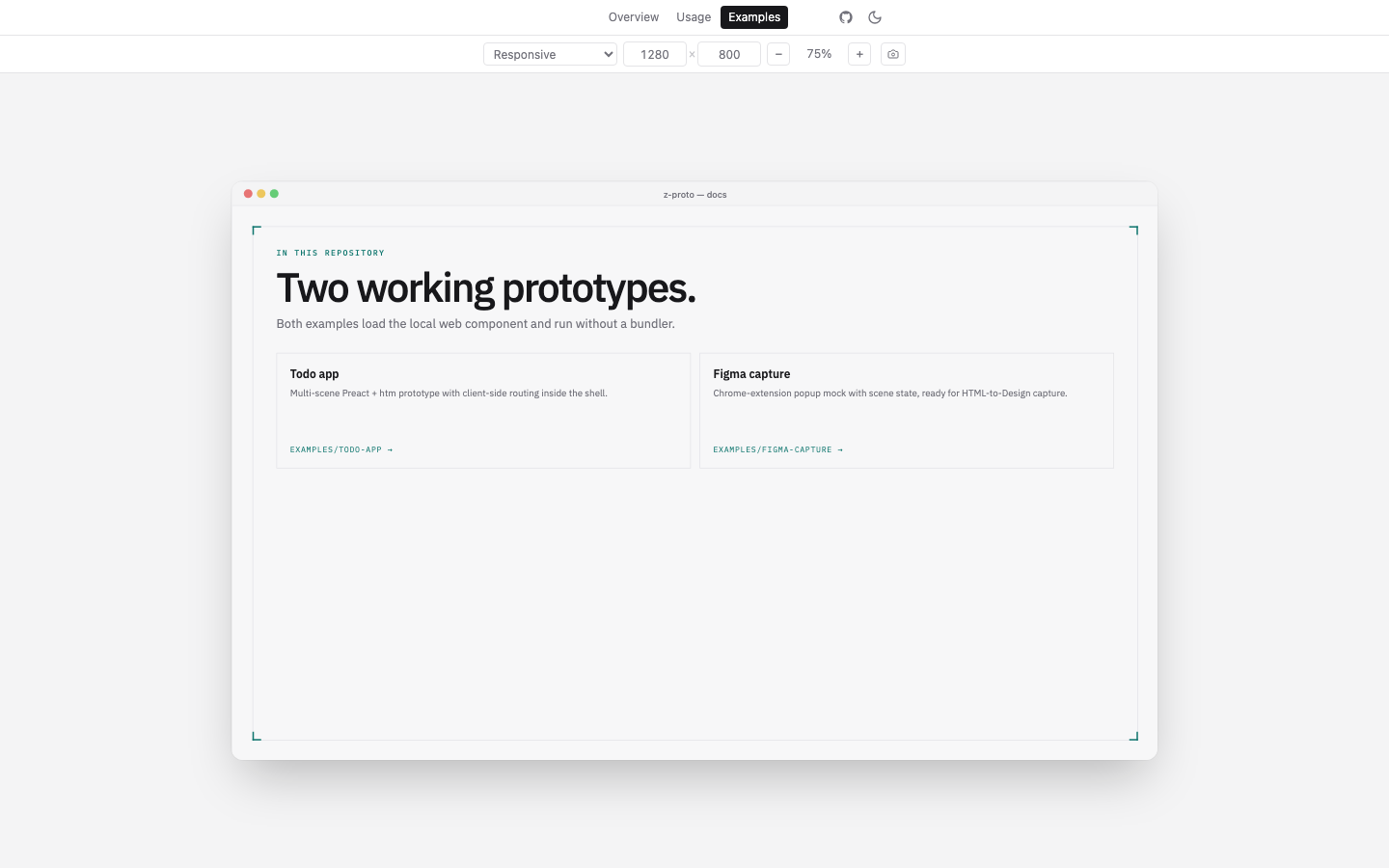
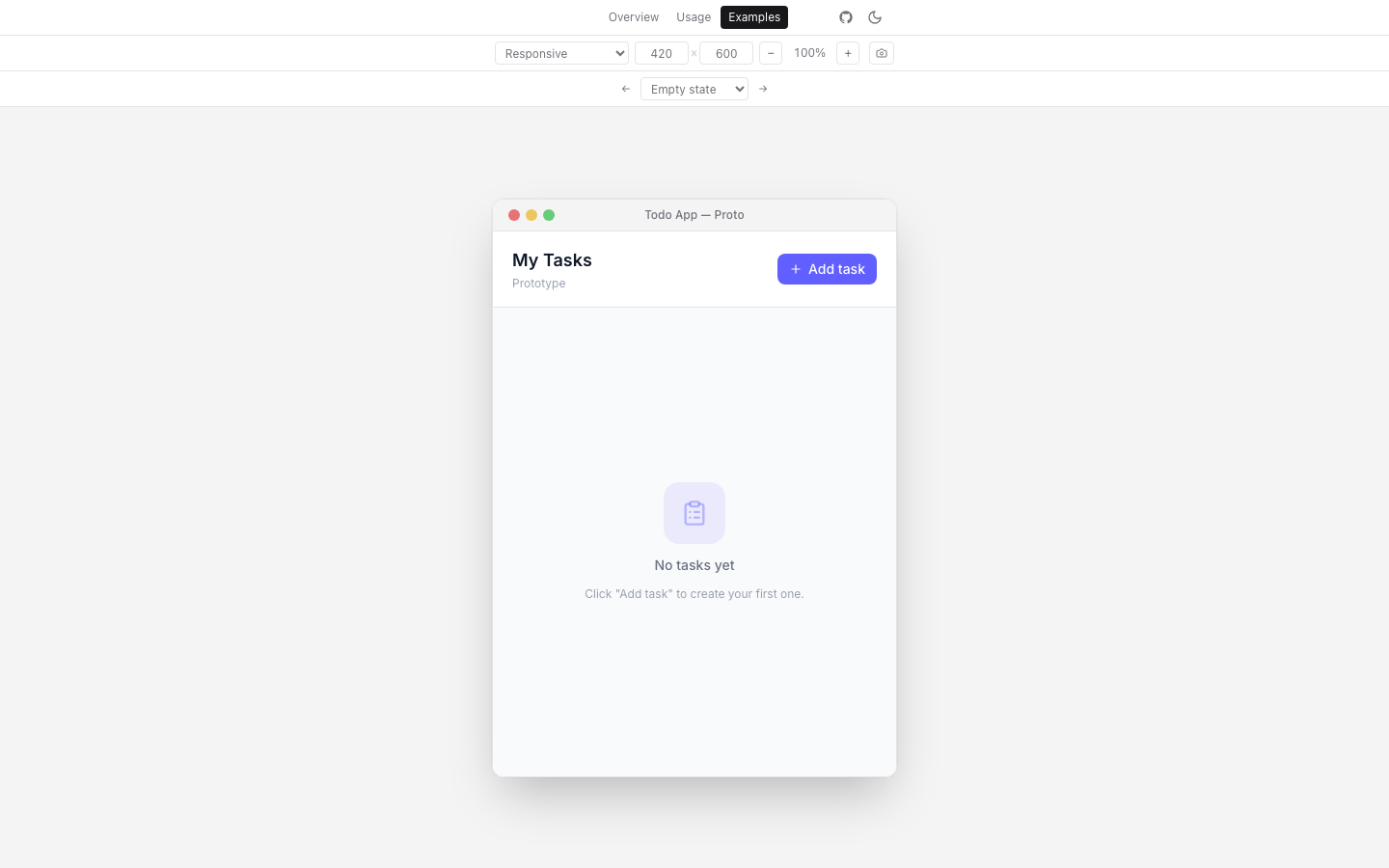
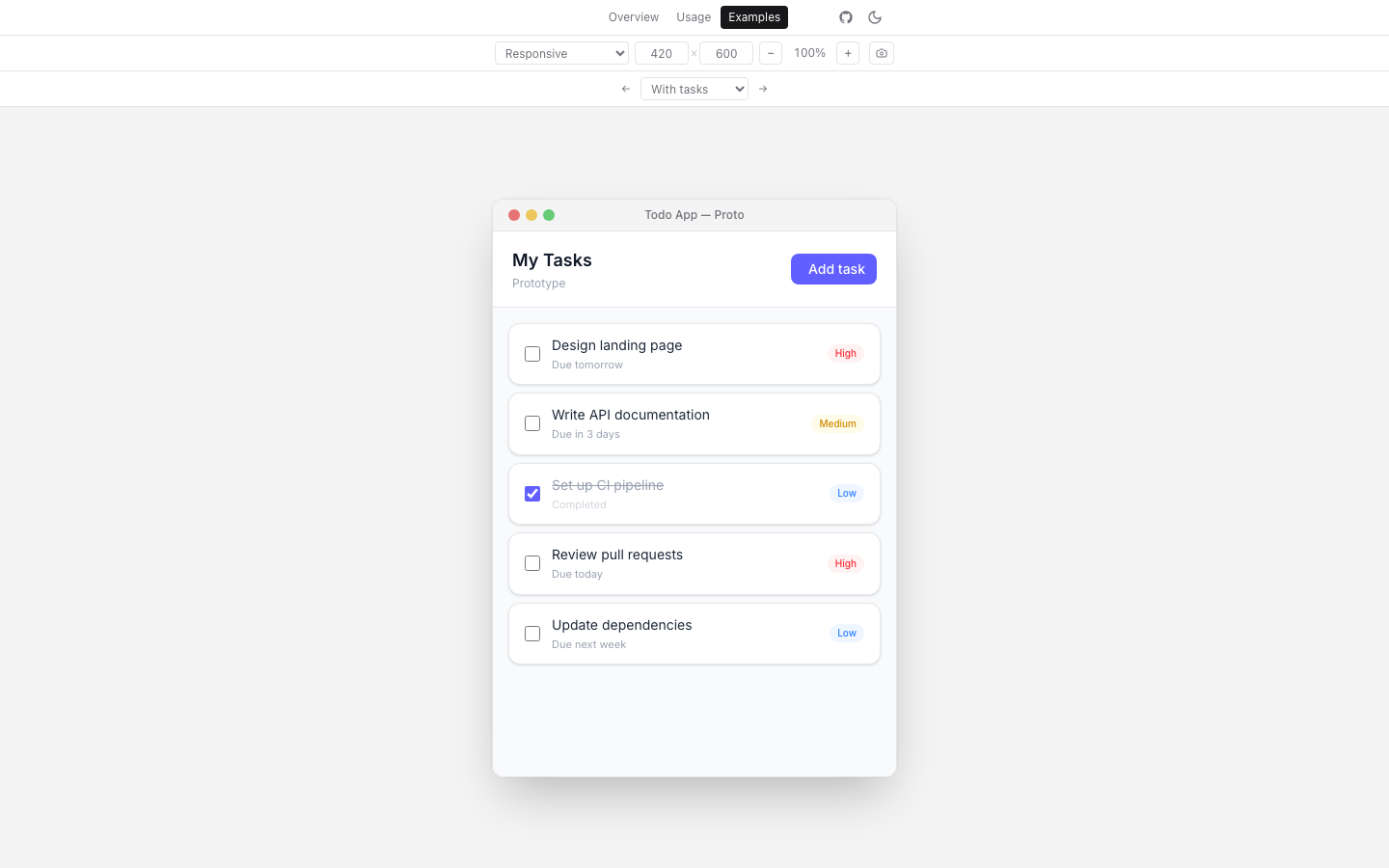
The repo ships two working references: a Figma-capture popup built with htm/preact, and a multi-page todo app with hash routing so it works on GitHub Pages — enough to copy from on day one.
Screenshots
Availability
- Live demo: djalmajr.github.io/z-proto
- Source: github.com/djalmajr/z-proto
Open source under the MIT license.