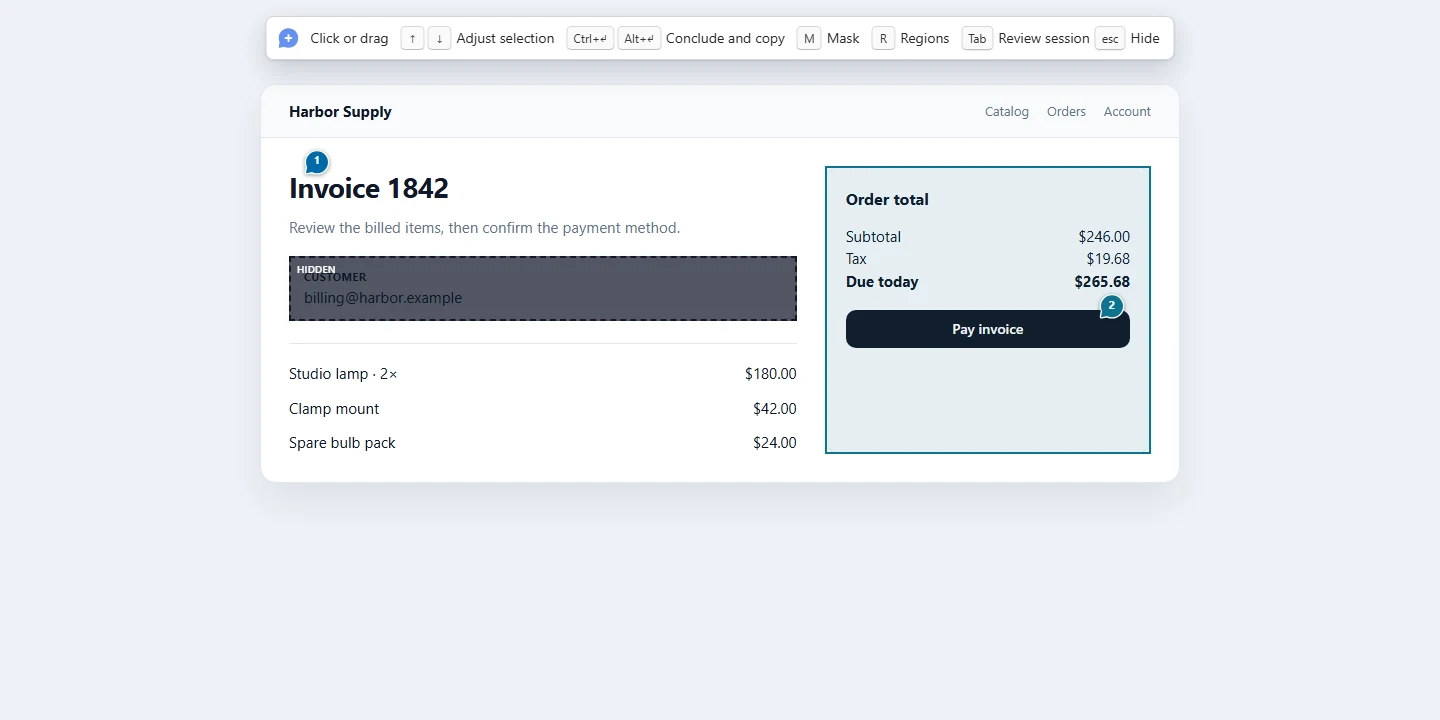
Pinar turns a live page into a review you can hand off. Pin a comment on an element or an area in Chrome, and the extension bundles the comment, the DOM path, the coordinates, and a screenshot. Paste that bundle into Grok, Claude, Codex, Slack, or a note.
A session, not a single shot
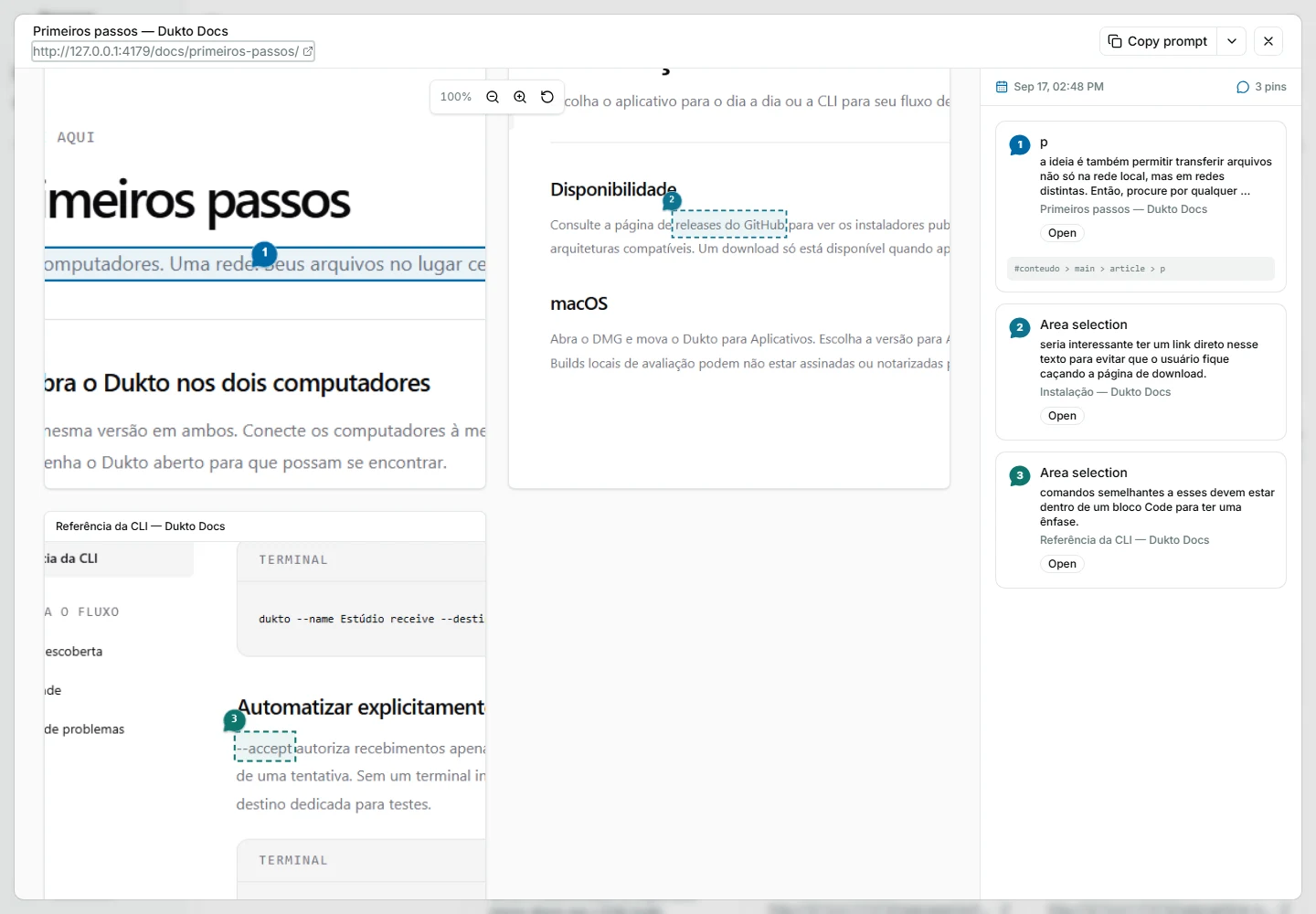
The first saved pin starts a continuous review, in local storage or on the hosted account. Add comments, press Esc to browse, and keep going on another page. Conclude and copy (or ⌘/Ctrl+Enter) hands every page of the session over together. Evidence is captured while the page is still open; Pinar does not revisit URLs at the end.
Tab opens the session review: retry, remove, or discard pins without leaving the flow. A failed finish keeps the session available to retry.
Where it runs
- Chrome extension — the capture surface. Official install is the Chrome Web Store; versioned packages also ship on GitHub releases.
- Menu-bar and tray apps — macOS and Windows start the local server so
screenshots land on disk (
~/.pinar/shots). - Hosted app — pinar.dev is a TanStack Start app on Cloudflare Workers, with accounts, Stripe, and AI. The same server code serves the local install through a Nitro/Bun helper.
Source
Fair Source / source-available. Nearly all uses are permitted; offering a competing commercial product is restricted, with a future conversion to MIT. The controlling text is the repository LICENSE.
- Site: pinar.dev
- Source: github.com/djalmajr/pinar